
What Is an Automatic Weather Station? How a Home Unit Works
An automatic weather station is a set of sensors plus a logger or display that records conditions without a person reading instruments. This guide shows how a home version works and where to mount it.
The Cobalt Hollow Team
October 13, 2026 · 9 min read · Updated October 14, 2026
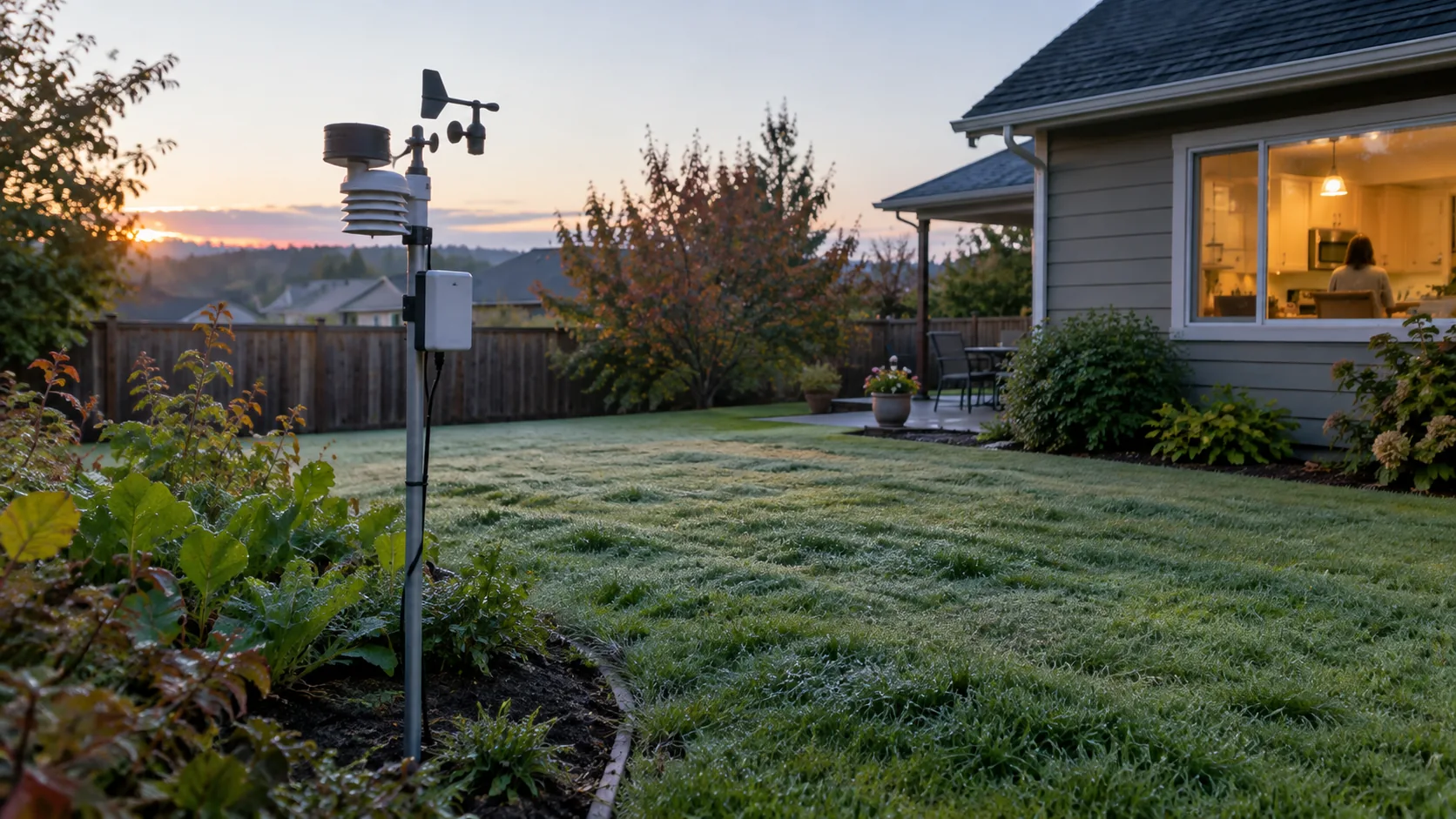
What is an automatic weather station? An automatic weather station is a group of outdoor sensors that measure conditions such as temperature, humidity, wind and rainfall, plus electronics that record and send those readings without anyone reading a dial. Agencies, airports and land managers run large versions. A home unit does the same basic job on a smaller scale, with sensors in your yard and a console indoors.
This guide explains the parts, which sensors matter for a yard or garden, where to mount them, and how to judge whether a home unit is worth owning.
What Is an Automatic Weather Station Made Of
Every automatic station, from a mountain research site to a backyard kit, follows the same chain: sense, collect, transmit, display or store. Knowing the chain makes it easier to compare products and to find the cause when a reading looks off. The parts line up like this:
- Sensors: devices that turn a physical condition into an electrical signal, such as a thermistor for air temperature, a cup or impeller for wind speed, and a tipping bucket in a rain gauge.
- Data-logger: a small circuit that samples the sensors on a schedule and calculates values such as averages and gust peaks.
- Power: batteries, a power adapter, or a solar panel feeding a battery.
- Communication: a cable, a local radio link, or an internet connection that carries readings to a display, a logger or an online service.
- Display or storage: a console screen, a memory log, or a web page.
Agency stations and home stations
Government networks use automated stations to collect surface weather observations where no person is on duty. Wildland fire agencies, for example, run remote automatic weather stations that report weather data from isolated sites. Airports and road departments use similar stations for their own needs.
These stations often measure more than a backyard kit, such as solar radiation, wet bulb temperature, cloud height or lightning, and they follow calibration schedules and use tall masts. A home unit covers the core yard readings and trades the specialist instruments for easy installation and a console you can read from the kitchen.
How a Home Weather Station Works
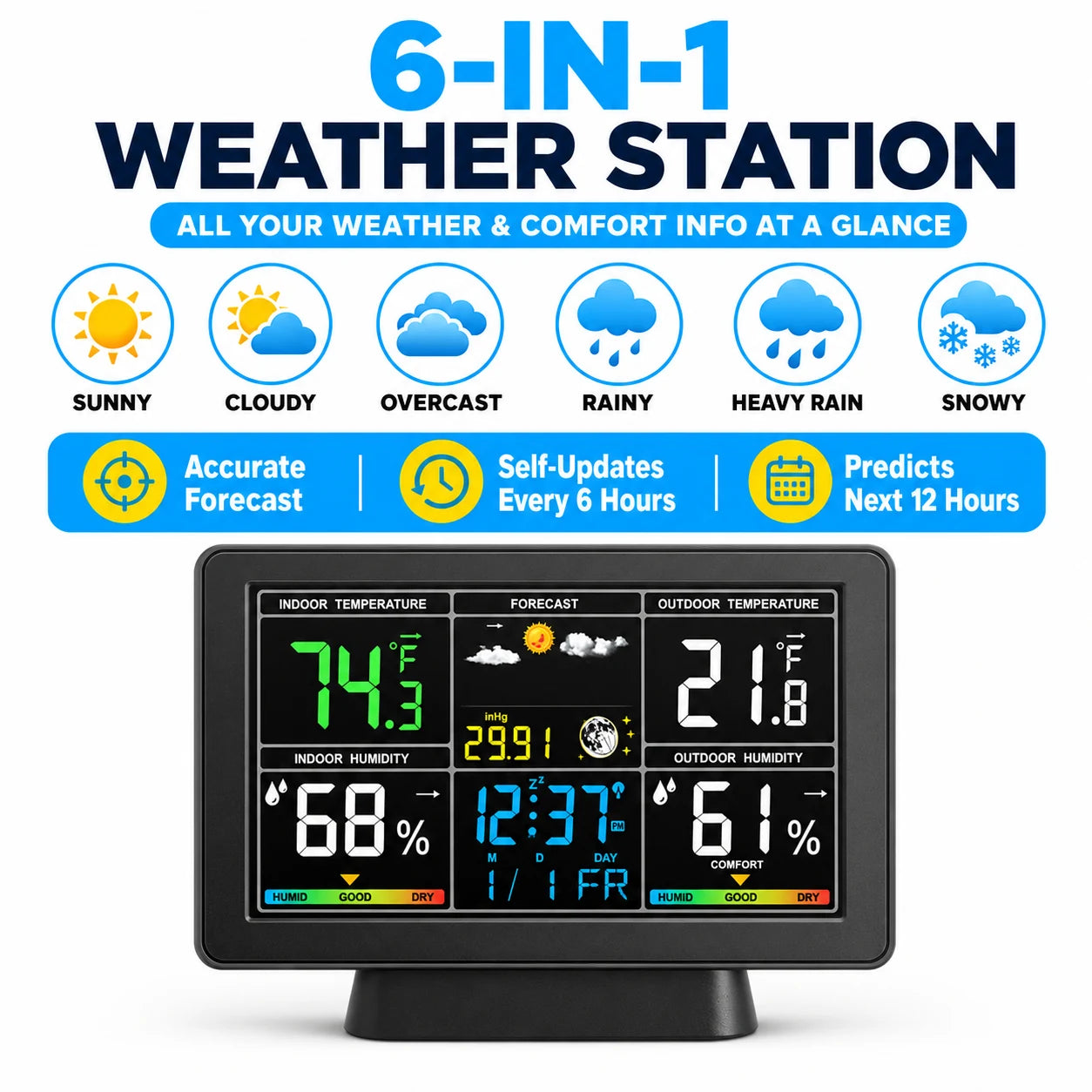
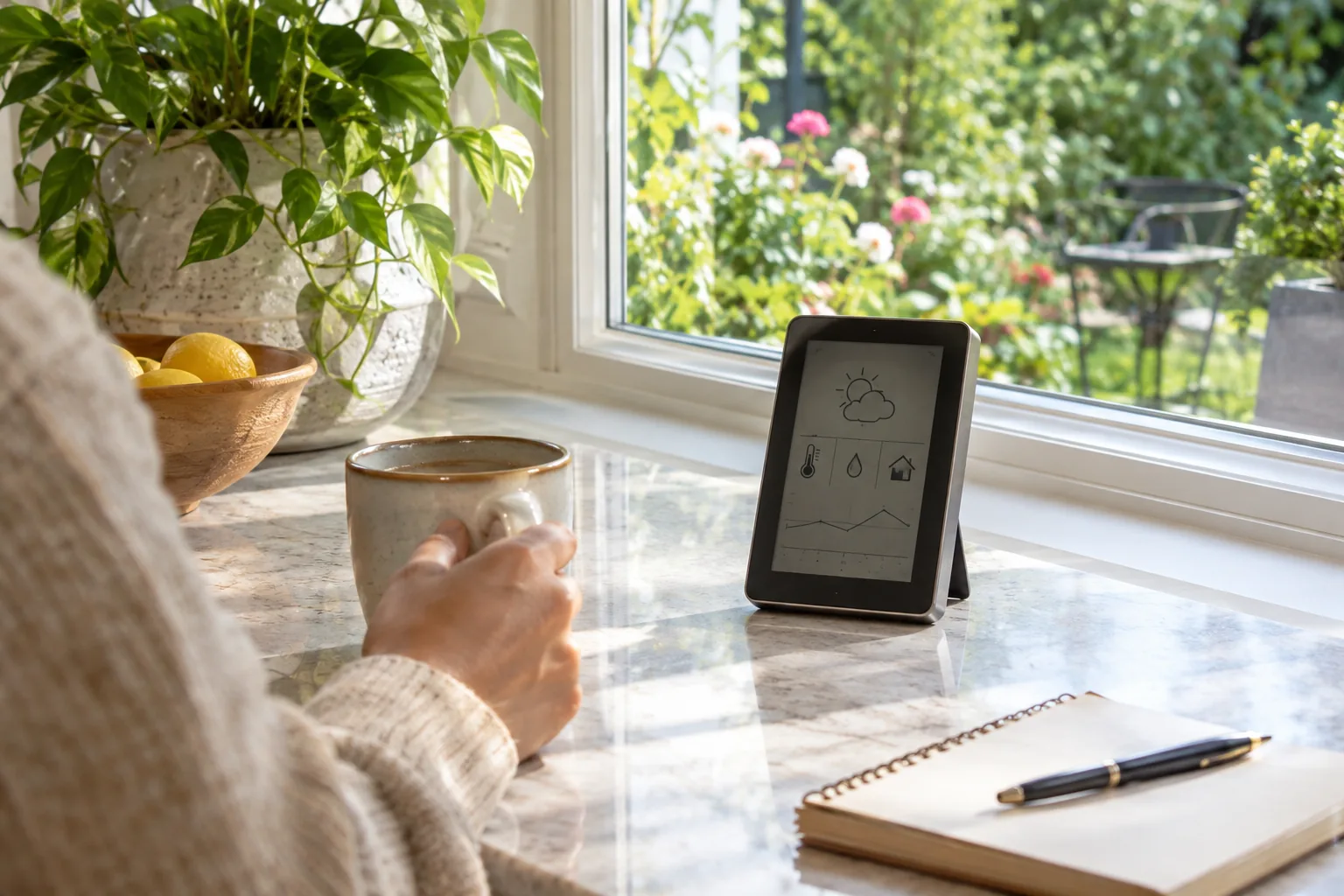
A typical home setup has two parts. An outdoor sensor unit sits in the yard and measures the weather. An indoor console receives the readings and shows them.
The link between the two is usually a short-range radio, so you do not need to drill through a wall for a cable. Some stations also connect to a home network and upload readings to an online weather network, where your yard's data can be viewed.
From sensor to screen
- The sensor measures a condition, for example air temperature or the number of wind-impeller rotations.
- The outdoor unit converts that into a digital value and sends it by radio.
- The console receives the value, stores it, and shows it on the display.
- The console calculates derived values. Wind chill, heat index and dew point are worked out from temperature, humidity and wind.
- If you set alert thresholds, the console signals when a reading crosses one.
That last step is where a home station becomes more than a thermometer. A frost alert you set yourself is useful for a vegetable bed, and a wind alert helps when you have a canopy or young trees.
Which sensors matter
Not every sensor is equally useful. Match the list to what you do outside.
| Sensor | What it tells you | Who needs it most |
|---|---|---|
| Temperature | Air temperature at the sensor | Everyone, especially gardeners watching frost |
| Humidity | Moisture in the air; feeds dew point and heat index | Gardeners, anyone with outdoor storage |
| Wind speed and direction | Average wind, gust peaks and where it comes from | Owners of canopies, trampolines, young trees |
| Rain gauge | Rainfall collected | Anyone planning irrigation |
| UV and light | Sun intensity | Gardeners with shade-sensitive plants |
| Barometric pressure | Pressure and its trend | Anyone who wants a view of changing weather |
A station with temperature, humidity, wind and rain covers most yard decisions. Add UV and light if you grow sun-sensitive crops. Check each product's list, since not every home model reports wind direction or solar radiation.
Choosing a Weather Station for Home Use
When you compare a weather station for home use, look at practical details rather than the longest feature list.
Check the link and the power
Decide whether you want a unit that depends on your Wi-Fi and an account, or one that talks locally. Also check what powers each part, because a sensor on a fence post is harder to reach than a console on a shelf.
Look at what the console shows
A backlit screen is easier to read in a dim hallway. Check whether you can set your own alert thresholds, change units, and look back through logged history.
Two home stations we stock
The ClimaForge pairs an outdoor sensor with an indoor backlit LCD console over a local 433MHz radio link, with no cloud account. The outdoor unit measures temperature, humidity, wind, rainfall, UV and light, and the console shows 14 parameters. You enter your own trigger points for frost, wind, rainfall and UV, and the console sounds its alert when a reading crosses one.
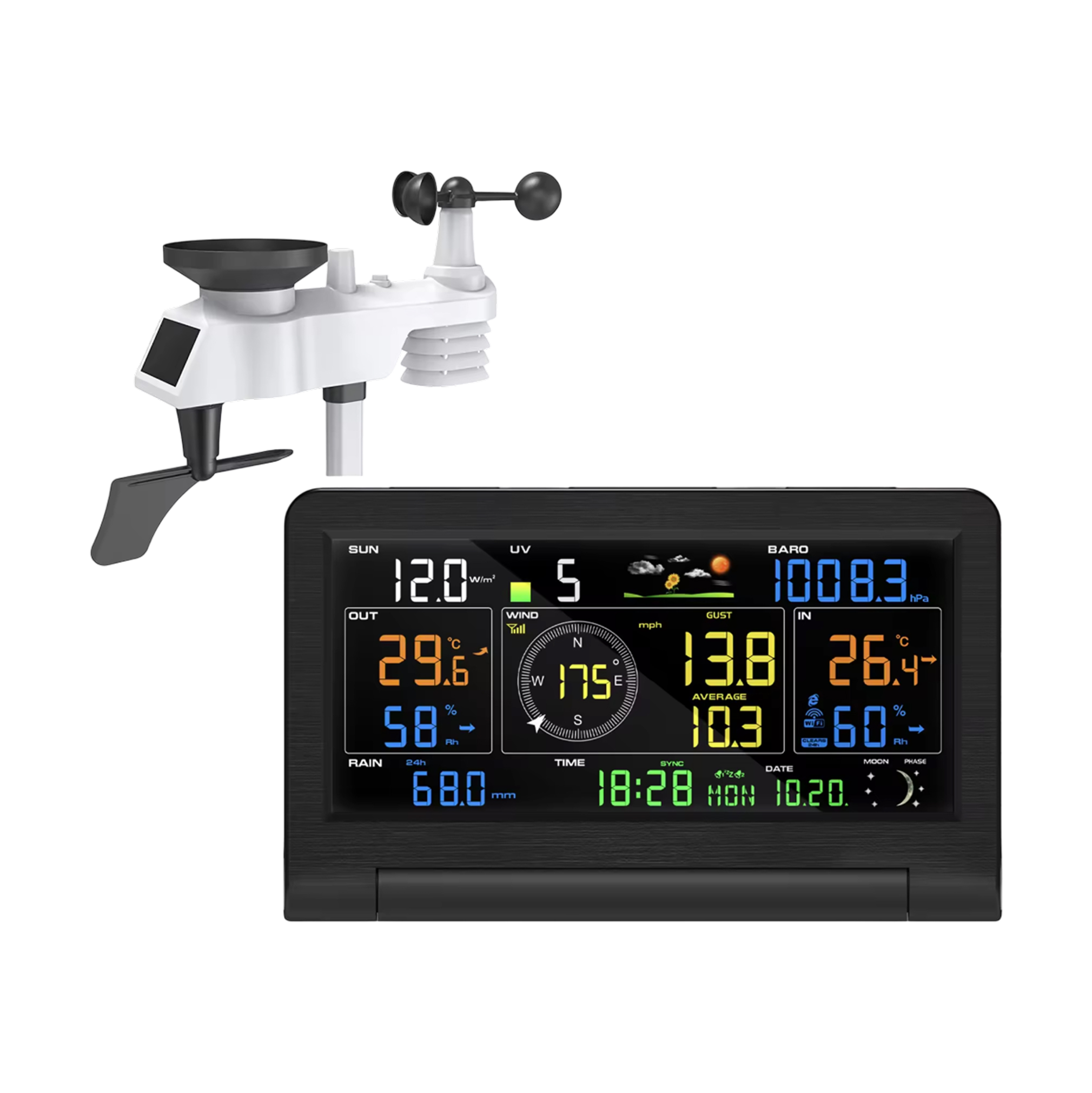 In this guideClimaForge$329.99View
The AeroVault takes a similar approach with an outdoor wind and rain sensor and an indoor console that sits on a table or mounts on a wall. It captures temperature, humidity, wind speed and rainfall, and the console works out wind chill, heat index, dew point and barometric trends. It can also send readings to an online weather network, and it logs past temperature and humidity values.
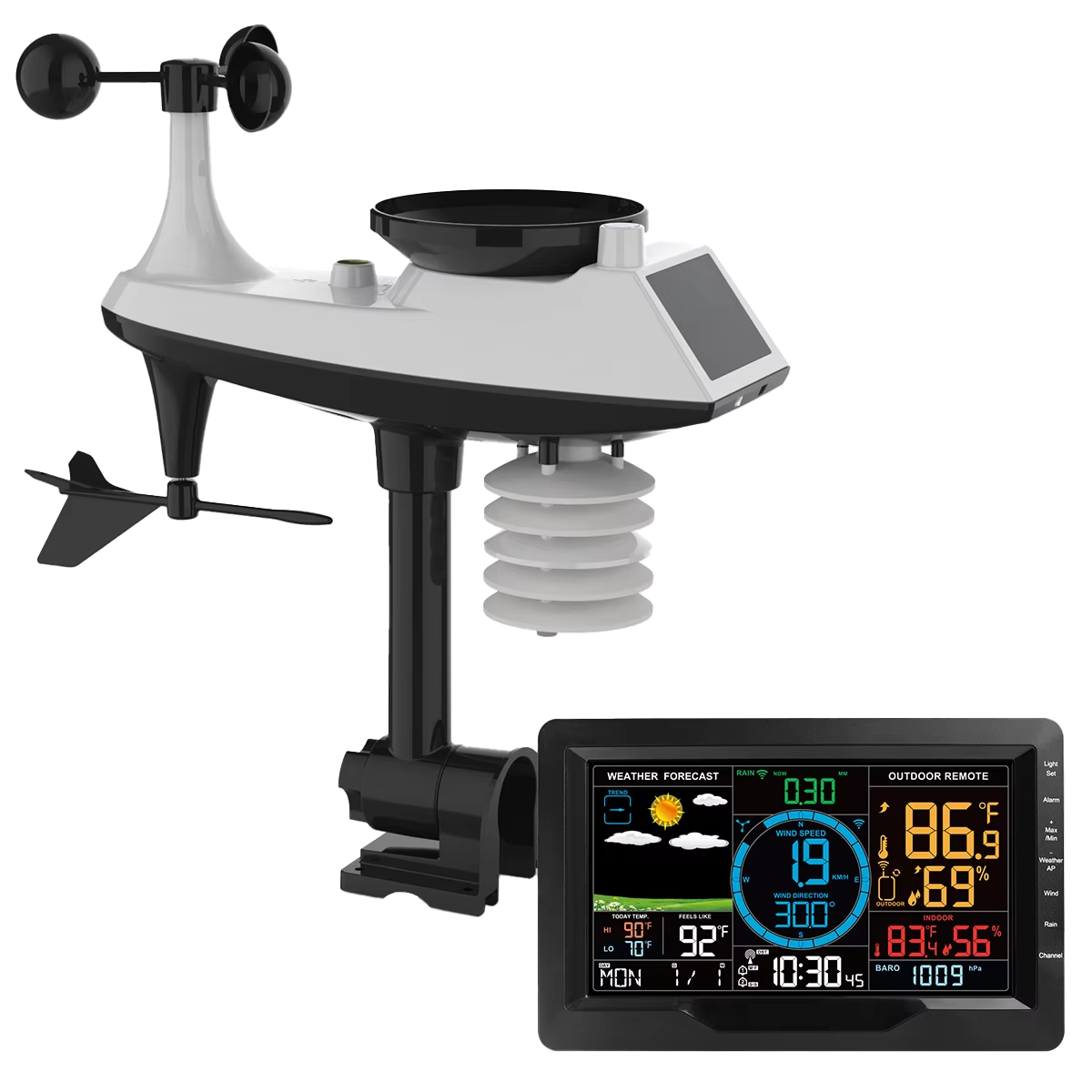 In this guideAeroVault$239.99View
You can browse more options in our Weather Stations, Soil & Outdoor Protection collection.
Where to Mount and How to Set Up
Placement affects readings as much as the hardware does. A good sensor in a bad spot reports the conditions of that spot, not of your yard. For a weather station at home, follow the manual first, and use these general guidelines.
| Reading | Good placement | Common mistake |
|---|---|---|
| Temperature and humidity | Open air, away from walls, in shade or a shielded housing | Mounting against a sunny wall or above a dryer vent |
| Wind | High and in the open, clear of rooflines and tree canopies | Tucking it behind a fence or under an eave |
| Rain | Level, open to the sky, clear of overhangs and dripping branches | A tilted mount or a spot under a gutter |
| UV and light | Where the sun reaches without shadows from buildings | A spot that is shaded for part of the day |
Many home sensors combine several readings in one unit, so you will compromise. Pick the spot with the most open exposure, mount it firmly, and keep it level. Keep the console within range of the outdoor unit, away from thick masonry or large metal objects.
Once you pick a spot, leave the sensor there. Consistent siting keeps your records comparable from month to month.
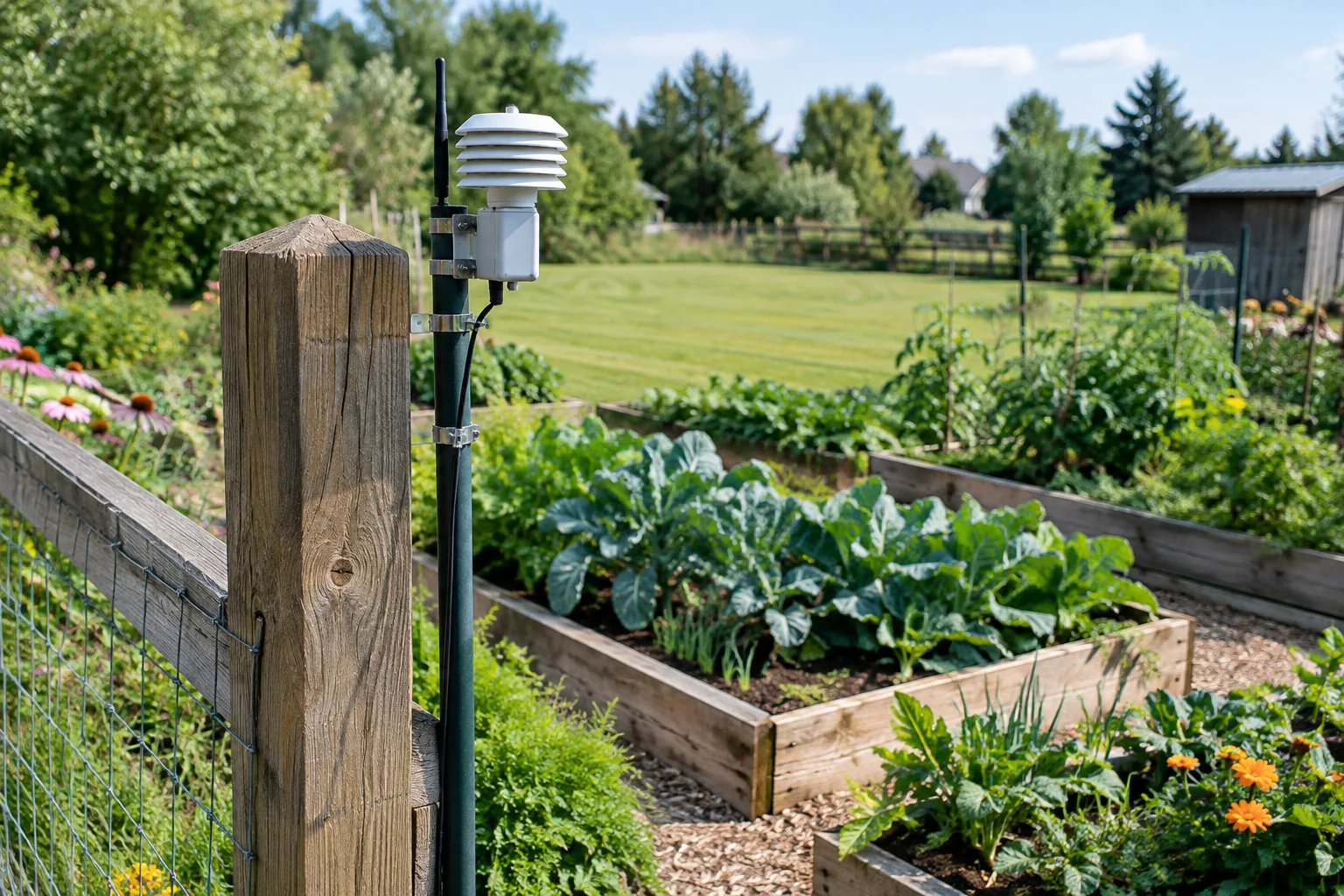
Setup step by step
- Scout the site. Walk the yard and pick the most open location within radio range of a window or wall where the console will sit.
- Install batteries or power. Do this before mounting so you can confirm the link works. The ClimaForge, for example, uses 3 AA batteries in the outdoor sensor, and 3 AAA batteries or the included 5V adapter in the console.
- Pair the units. Pair the console and the sensor as described in the quick-start guide. On the ClimaForge you press the SYNC button on the console.
- Mount the sensor. Use the bracket and hardware from the kit, and make sure it is level and firmly fixed.
- Set units and alerts. Choose your language and units, then enter thresholds that match your yard, such as a frost level for tender plants.
- Cross-check. Compare the console with a separate thermometer in the shade for a few days to spot placement problems.
Field note
Mount the outdoor sensor where you can reach it with a step stool. You will want to clear leaves, spider webs and debris from the rain collector and wind parts a few times a year.
Using Your Data and Deciding If It Is Worth It
Once the station runs, the value is in the records. Most consoles show current readings plus a short history, and some log past temperature and humidity values so you can look back after a cold night or a dry week.
- Frost nights: note the lowest temperature at your sensor and compare it with your plant beds.
- Rainfall totals: use the rain gauge reading to decide whether to water.
- Wind events: check gust peaks after a storm before you inspect fences, canopies and young trees.
- Pressure trend: a steady rise or fall gives you context for the sky overhead.
If your station uploads to an online weather network, viewing that data happens on the network's page rather than on the console. Check your unit's manual for what it can send, and for how to turn uploading on or off.
So, what is an automatic weather station good for at home? It earns its place when you make decisions that depend on local conditions at your own property. Official readings often come from a station some distance away, and yard conditions can differ because of hills, trees, buildings and nearby water.
It makes sense if you
- Garden and want to set your own frost or wind alerts.
- Plan watering around rainfall actually collected in your yard.
- Keep animals, outdoor furniture or structures that react to wind.
- Enjoy watching trends and logging data over a season.
It may not be worth it if you
- Only want to know whether to carry a jacket. A phone forecast handles that.
- Have no open spot to mount a sensor, such as a fully enclosed courtyard.
- Do not want to check batteries or clean the sensor now and then.
Be realistic about accuracy as well. A home unit reports what its sensor experiences, and that depends on placement, upkeep and the design of the sensor housing. It is a useful local record, not a replacement for a calibrated agency instrument.
Handheld Meters, Care and Common Mistakes
If you want spot checks rather than a permanent installation, a handheld meter is a simpler option. The BaroVex is a handheld weather meter with an impeller and magnetic reed switch for wind speed, gust peaks and running averages. An external thermistor probe reads air temperature away from your hand, and a solid-state barometer shows pressure trends. It comes with a carrying case, a wrist lanyard and pre-installed batteries.
 In this guideBaroVex$139.99View
A station that is installed once and ignored can give less reliable readings over time. A short routine keeps it useful.
- Each season: check batteries, clean the rain collector, and look for insects or debris in moving parts.
- After storms: confirm the mount is still level and tight.
- Each year: compare readings against a second thermometer and revisit placement if trees have grown.
The most common mistakes are mounting too close to a wall or roof, placing the console too far from the sensor, and assuming a single odd reading means a fault. Look at trends over several days before deciding something is wrong. For anything involving ladders, roofs or electrical work, follow the manual and ask a qualified person for help.
Frequently asked questions
Keep reading
 Weather Stations, Soil & Outdoor ProtectionStandard Rain Gauge: Size, Placement and How to Record Rainfall7 min read
 Lawn, Yard & Snow CareGutter Cleaning: How to Clear Gutters From the Ground or a Ladder9 min read
 Poultry, Coop & Pest ControlMouse in a Trap: What to Do Next, Disposal and Resetting6 min read