
How Do Motion Sensors Work? PIR, Microwave and Dual-Tech
Motion sensors watch for a change in infrared, radio waves or sound and switch a light, sprinkler or alarm. This guide covers each type, its false triggers and where to place it.
The Cobalt Hollow Team
November 29, 2026 · 9 min read
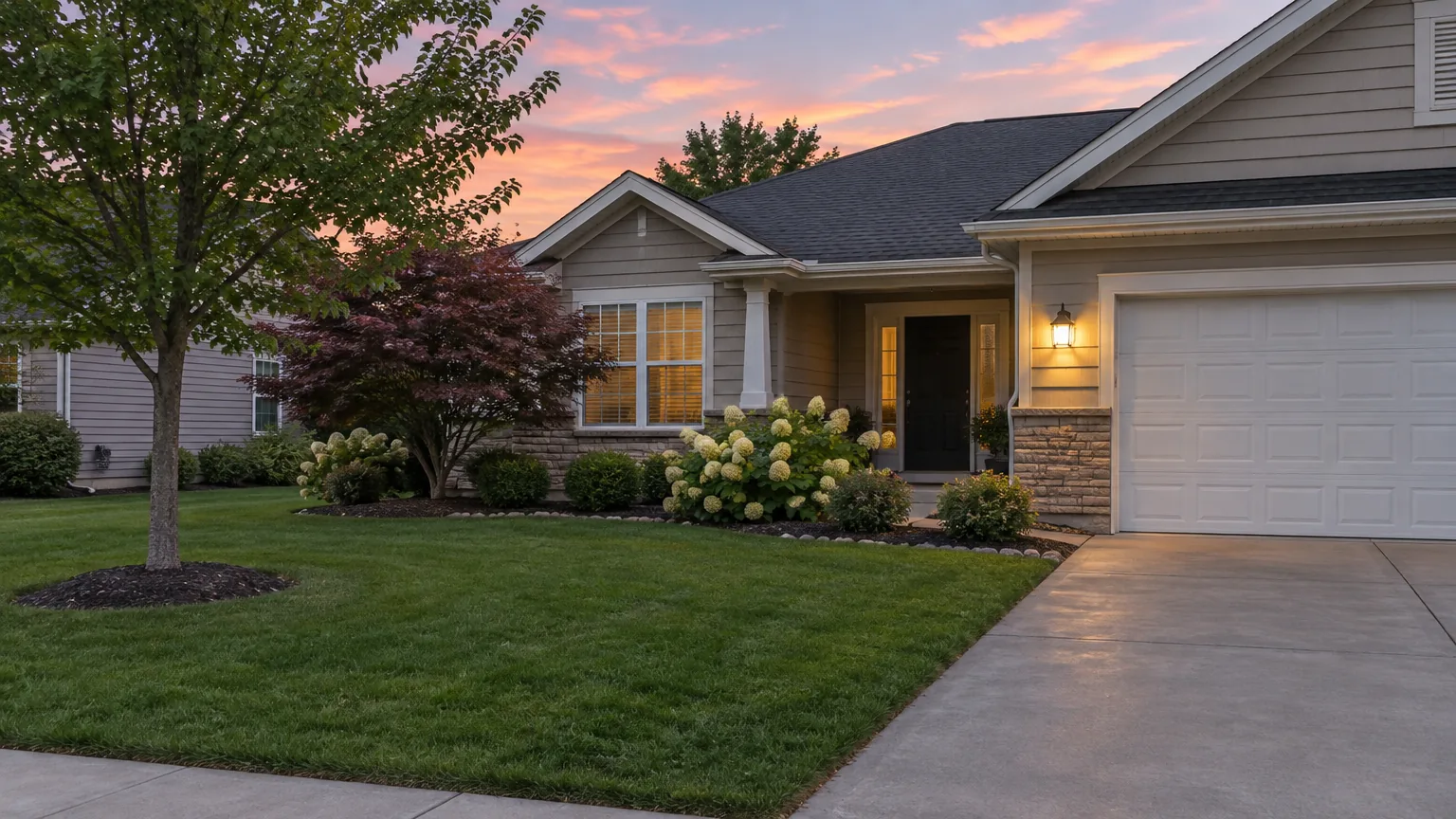
How do motion sensors work? They watch a zone for a change, such as a shift in infrared radiation, reflected radio waves or reflected sound, and send a signal when the pattern changes. That signal switches on a light, fires a sprinkler, starts a camera or sounds an alarm. The sensor type decides what it notices, what fools it and where you should mount it.
This guide explains passive infrared, microwave, ultrasonic and dual-technology sensors, then shows how to place lights, sprinklers and cameras so they react to the right movement.
How do motion sensors work?
Every motion sensor has three jobs: sense the zone, decide whether something changed, and trigger an output. The sensing part differs by type. The decision part is a small circuit that compares the current reading with the recent one and ignores slow, steady change.
The output is a relay, a switch or a message to a hub. A light fixture closes a circuit and turns on. An alarm panel logs an event. A motion-triggered sprinkler opens a valve for a burst of water.
Some sensors also have settings. Common ones are sensitivity, the length of time the output stays on after movement ends, and, on lights, a daylight setting. The product manual lists which of these a given device offers.
Active and passive sensing
A passive sensor only listens. A passive infrared sensor receives infrared radiation that objects already give off and sends nothing out. An active sensor sends out microwaves or sound and reads what bounces back. That difference explains many of the false triggers covered below.
PIR sensors: what they detect and what fools them
PIR stands for passive infrared. Inside the sensor, a small element reads infrared radiation, and a lens in front splits the view into separate zones. When a person, animal or vehicle crosses from one zone to another, the reading at the element changes, and the sensor triggers.
Because the sensor reacts to a change across zones, movement across its field of view is what it registers. Something walking straight toward the sensor may cross fewer zone boundaries. Aim a PIR sensor so people cross the view instead of approaching head-on.
Common PIR false triggers
- Sun moving across a wall or driveway, which changes the infrared reading.
- Exhaust from a heating or cooling vent, a dryer outlet or a grill pointed into the zone.
- Pets, wildlife and blowing branches that sit in the zone.
- Reflections from glass, pool water or shiny car bodies.
False alarms often come from placement rather than a faulty sensor. Moving the unit or narrowing the zone can resolve them.
Pets and PIR sensitivity
A pet gives off infrared radiation and moves across the zone, so a PIR sensor can pick it up. Lowering the sensitivity, aiming the sensor above the floor path or choosing a model with a pet setting changes what it reacts to. Check the manual for what a device offers, and do not assume any sensor ignores pets.
Microwave, ultrasonic and dual-tech sensors compared
A microwave sensor sends out low-power radio waves and measures the reflections. A moving object shifts the returning signal, so the sensor detects it. Ultrasonic sensors work the same way with sound waves above human hearing. Dual-technology sensors combine two methods, usually PIR plus microwave, and trigger when both agree.
| Sensor type | What it senses | Common false triggers | Where it fits |
|---|---|---|---|
| PIR (passive infrared) | Changes in infrared radiation across zones | Sun on surfaces, vents, pets, moving branches | Hallways, entryways, yard lights, sprinklers |
| Microwave | Reflected radio waves | Movement behind thin walls or glass, swaying objects, fans | Large open rooms, covered areas |
| Ultrasonic | Reflected sound waves | Air currents, curtains, fans | Closed rooms with little air movement |
| Dual technology | Both infrared change and reflected waves | A trigger from one method alone is ignored, so the errors differ from either single type | Spaces where one method alone misfires |
No type is free of false triggers. A dual-tech unit has a larger body and a more involved setup, and a person who is hard for either method to detect can still be missed. Pick the type for the space, then work on placement.
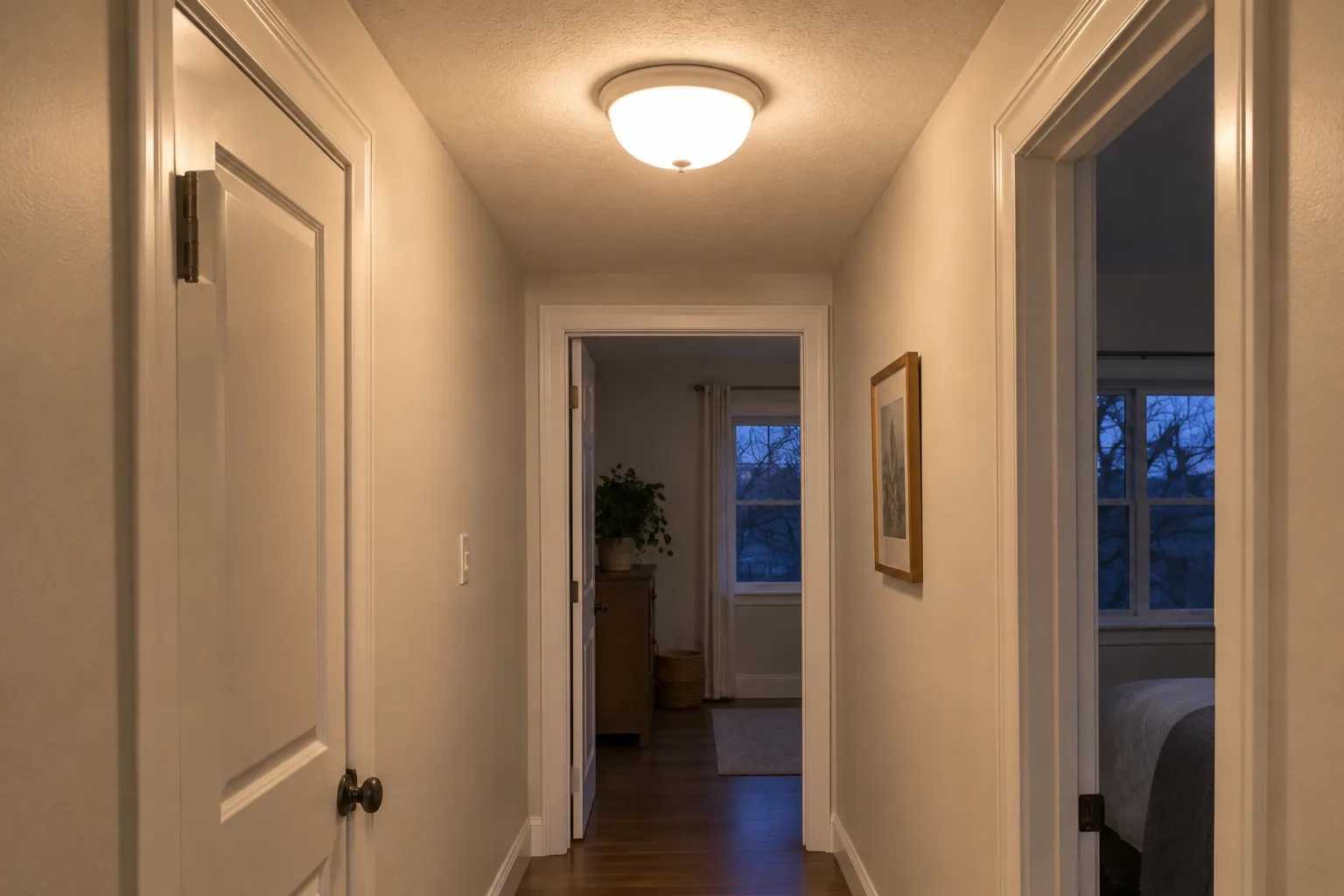
Do motion sensors work in the dark, and do they have cameras?
Yes, they work in the dark. A PIR sensor reads infrared radiation, not visible light, so darkness does not change how it senses movement. Microwave and ultrasonic sensors send out their own waves, so they do not need light either.
Lights can add a second part, a daylight sensor, sometimes called a photocell. It reads the brightness of the surroundings so the light responds to movement only when it is dark. Some outdoor lights include one, and some solar lights use the panel or a built-in photocell to tell when it is dark. Check the product page for what a model includes.
Do motion sensors have cameras in them?
A plain PIR, microwave or ultrasonic sensor has no camera and records no images. It outputs a trigger signal only. Some security cameras do their own motion detection by comparing video frames, and some add a PIR sensor to wake the camera. If privacy matters in a room, check the product page to see whether a device has a lens. How a camera records in the dark depends on the camera, so check its page too.
How do outdoor light sensors work?
Two sensors can be at work. The daylight sensor decides whether it is dark, and the motion sensor decides whether something moved. Some lights need both conditions, while others run on motion alone. The manual lists the modes. An outdoor motion sensor light also lists its field of view and range on the product page, which tell you how wide an area it covers.
Where to place lights, sprinklers and cameras
Placement matters as much as sensor type. Mount the device so the expected movement crosses the field of view, and keep it away from the false triggers listed above. The table summarizes the main points.
| Device | Aim at | Keep away from |
|---|---|---|
| Hallway or closet ceiling light | The walking path, with people crossing the zone | Vents and sunny windows |
| Outdoor security light | A driveway, gate or entry, across the approach path | Busy streets, swaying branches, grills |
| Motion-activated sprinkler | The garden bed or lawn edge you want to keep animals out of | Walkways you use, hose spray falling in the zone |
| Camera with motion alerts | Doors, driveways and yard entry points | Direct sun, lit glass, trees and flags |
Indoor lights
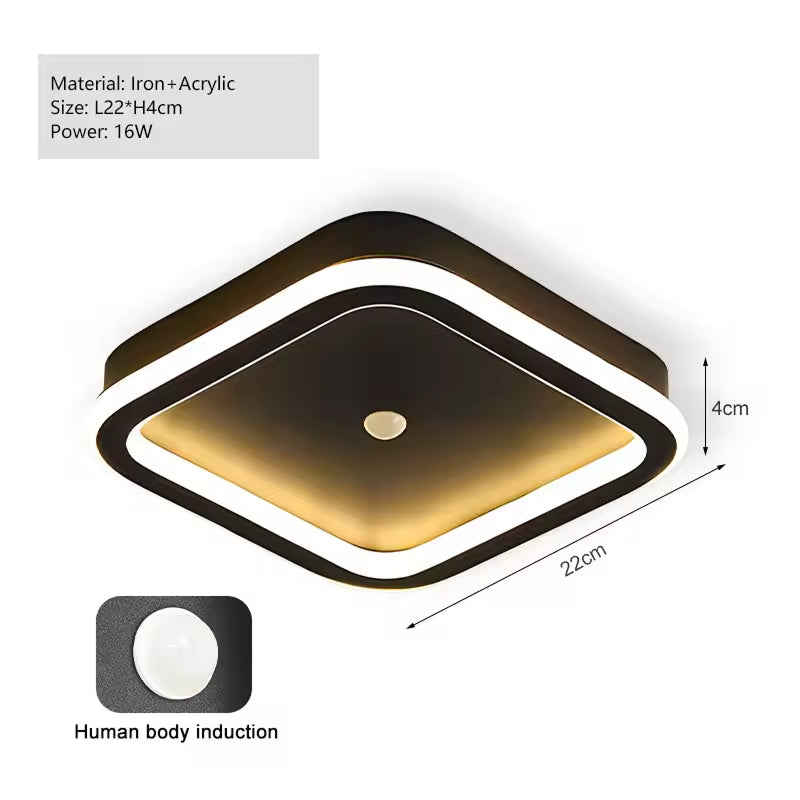
Hallways, entryways, closets and bedrooms suit a ceiling-mounted PIR light, because your hands are often full and the light comes on without a wall switch. SensaBeam is a surface-mount ceiling light with a PIR motion sensor and a 16W LED. It fixes to a flat ceiling with the included hardware and sits on the surface, so you do not need to cut into walls. It accepts a supply of AC85-265V, which covers standard household power. Shut off power at the breaker before any connection, and if you are not comfortable with household wiring, ask an electrician. For other fixtures, browse the Smart & Ambient Lighting collection.
 In this guideSensaBeam$99.99View
Outdoor lights
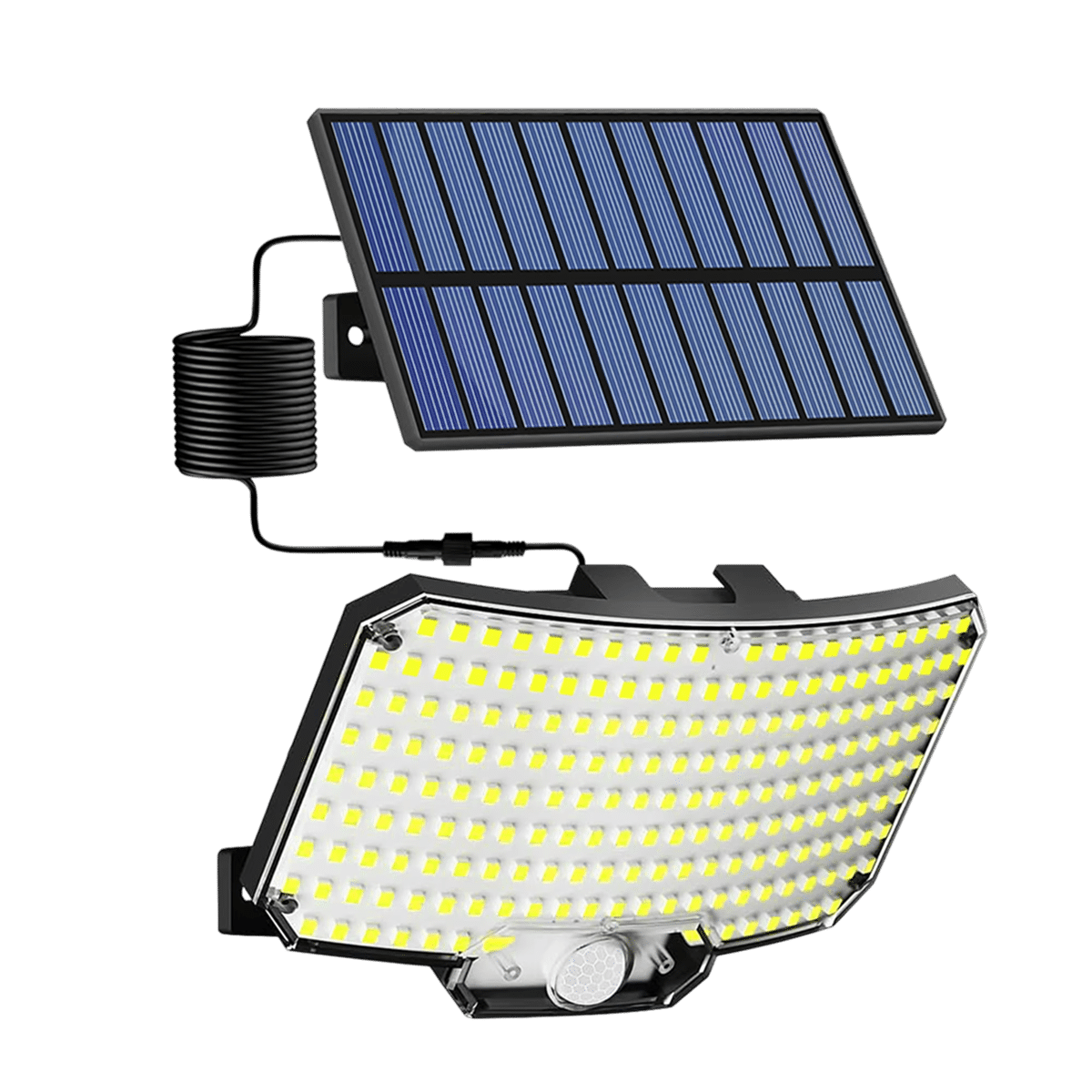
Aim an outdoor light across the path someone would walk, not straight down it. NovaBeacon is a solar-powered security light whose motion sensor covers a 180° field out to 23 feet. A separate solar panel sits on a 16.4 ft cable, so you can put the panel in direct sun and the light in a different spot. The panel charges a built-in 1500mAh battery during the day, and the stored charge powers the light and sensor after dark. A remote control is included. For power, range and setting choices on a motion sensor light outdoor, read our outdoor motion sensor light guide.
 In this guideNovaBeacon$89.99View
Sprinklers
A motion sprinkler uses the same PIR principle with water as the output. GardenSentinel has a PIR sensor that detects heat and movement, and the head sprays water when something enters its zone. A 120 degree sensor watches the area in front of the unit, dials set sensitivity and spray duration, and the spray arc can be set across a 300 degree range. It connects to a standard garden hose and mounts on a 17 inch ground stake, with a solar panel module that charges the battery. Browse more options in our Watering & Irrigation collection.
 In this guideGardenSentinel$119.99View
Cameras and alarms
For doors and driveways, aim camera motion zones at entry points and trim back plants that sway in the view. Lower the sensitivity if wind-blown branches keep triggering alerts. Alarm sensors inside the house watch rooms and hallways, so keep them clear of vents and sunny windows. Browse cameras with motion alerts in the Security Cameras & Doorbells collection. If you are building a layered setup, our DIY home security systems guide shows how cameras, doorbells and lights combine.

What motion sensors are used for around the house
The question of why there is a motion sensor in your house usually has a plain answer. It switches a light, feeds an alarm panel, wakes a camera or triggers a smart home routine.
How do motion sensors work in the house?
Indoors, a sensor in a hallway or corner watches for movement and sends a signal to a light, a hub or an alarm panel. Alarm systems use sensors to detect someone entering a room, often alongside door and window sensors at entry points. Smart home setups use the same signal for home automation, such as turning on a lamp when you enter a room.
Other uses include automatic doors, bathroom fans, hand dryers, closet lights and outdoor path lights. If you find an unfamiliar sensor, look for a small lens or a white dome, and check the system manual or ask whoever installed it.
How to choose a motion sensor type
Start with the space and the job. A hallway light, a yard sprinkler and an alarm panel each need something different, and the table lists what to check before you buy.
| Factor | What to check |
|---|---|
| Sensor type | PIR for most lights and sprinklers; dual technology where one method alone misfires |
| Sensitivity | Whether a dial or app setting lets you lower it for pets, branches or traffic |
| Field of view and range | The angle and distance on the product page, compared with the area you want covered |
| Power source | Household wiring, battery or solar panel, and whether the mounting spot suits it |
| On-time and daylight settings | Whether the manual lists an adjustable on-time and a daylight mode |
| Compatibility | Whether the device pairs with your security system or smart home hub, or works on its own |
For a standalone light or sprinkler, a built-in sensor with its own settings is enough. For an alarm or automation routine, check that the sensor pairs with your hub or panel before you buy, since a device that cannot report its trigger cannot start a routine. Sensitivity deserves a second look: a high setting reaches farther but also picks up more of the false triggers listed above.
Setup checklist and common mistakes
- Choose the spot where the movement you care about crosses the field of view.
- Check the power source: household wiring, a battery or a solar panel with direct sun.
- Mount the unit at the height and angle the manual lists.
- Set sensitivity, the on-time after movement ends and any daylight setting.
- Walk through the zone from several directions and note where it triggers.
- Adjust the angle or lower the sensitivity, then walk through again.
Common mistakes are mounting a PIR light where a vent or sunny wall sits in the view, aiming it straight along the walkway and setting the sensitivity to maximum on the first day. Another is placing a solar panel in shade, which affects charging.
Once the unit behaves, revisit it after a storm or a season change. Growing branches, new fixtures and a moved grill can all add triggers that were not there on setup day.
Field note
Do the walk-through after dark and again in daytime. A light that behaves at night can still trigger from sun moving across a wall, and the second pass shows it.
Frequently asked questions
Keep reading
 Security Cameras & DoorbellsOutdoor Lighting Plan: Layering Path, Accent and Security Light6 min read
 Security Cameras & DoorbellsMotion Sensor Light Outdoor: Choosing Power, Range and Settings8 min read
 Home Utility & Detection DevicesUnit of Measurement for Energy: Joules, kWh and Your Meter6 min read