Light Bulbs With Security Cameras: What to Check Before Buying
Light bulbs with security cameras screw into an existing socket. Check the base, Wi-Fi at the fixture, storage, night vision and the fixture angle before you buy.
The Cobalt Hollow Team
November 24, 2026 · 7 min read
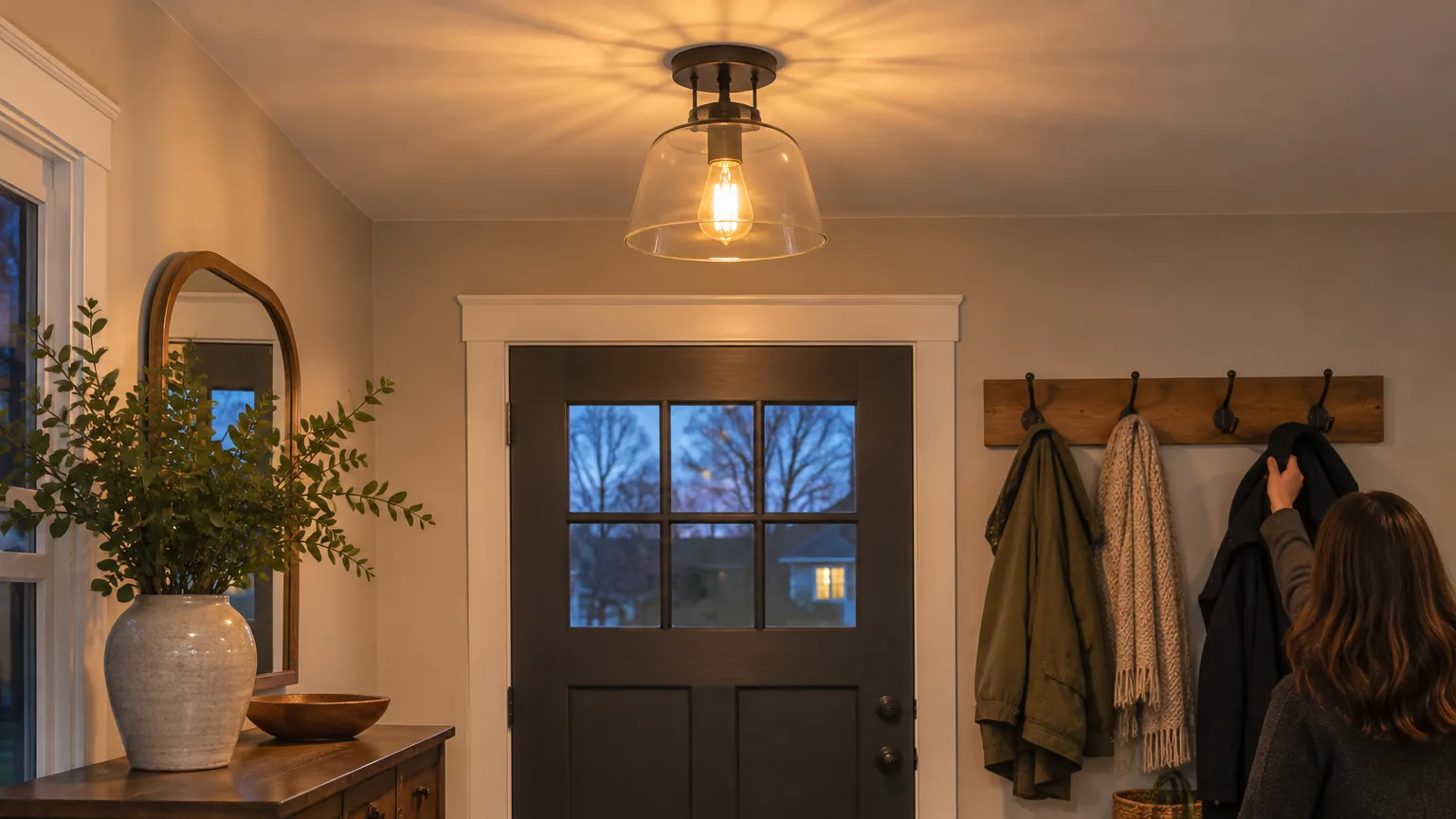
Light bulbs with security cameras screw into a standard socket and add live video, motion alerts and two-way audio without drilling or running cable. Before you buy, check five things: the base size, Wi-Fi coverage at the fixture, how footage is stored, night vision, and the angle the fixture gives the lens. This guide goes through each check in the order you will meet them.
Checklist before buying light bulbs with security cameras
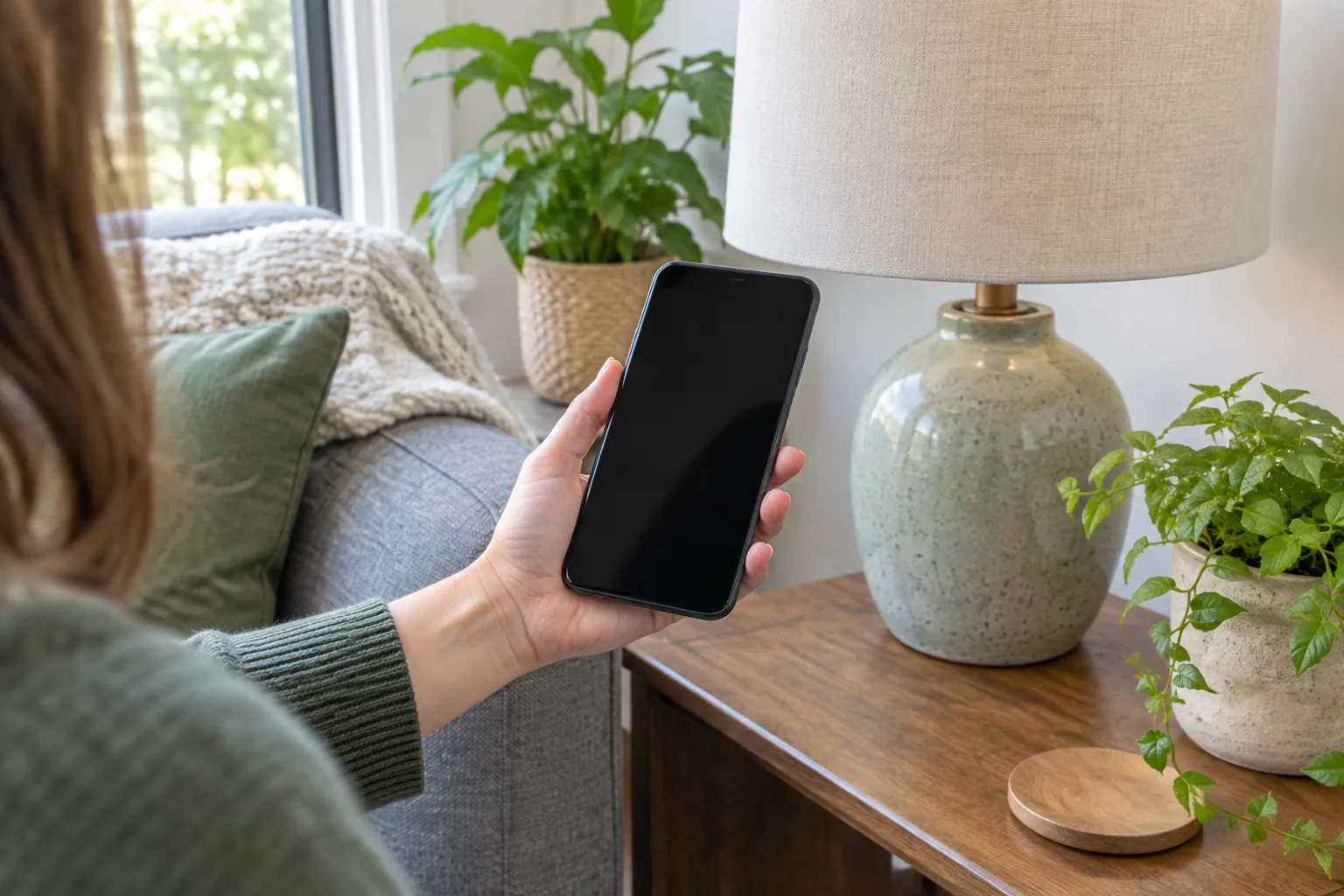
A bulb camera is a camera built into a screw-in bulb body. It sits in a lamp, porch fixture or ceiling socket where a regular bulb would go, so it looks like part of the room. You watch the feed and receive alerts through a companion app on your smartphone.
Light bulbs with cameras in them go by many names, from wireless and LED versions to outdoor models. The names matter less than the specs, so use this table to compare any of them. Each row points to a section below.
| Check | What to look at | Where to find it |
|---|---|---|
| Socket fit | Base type of the bulb against the base type of your fixture | Product page and the fixture label or manual |
| Fixture shape | Open or enclosed, glass shade, bulb length against shade depth | Your fixture |
| Wi-Fi range | Signal at the exact socket, supported bands | Phone signal check at the fixture, product page |
| Storage | Where clips are kept and what the app lists as options | Product page and app description |
| Night vision | Color or black and white after dark | Product page |
| Viewing angle | Which way the bulb points, and whether the lens can pan, tilt and zoom | Product page, your fixture orientation |
| Location | Indoor or outdoor use, covered fixture | Product page and the manual |
Check the socket fit first
Match the base size
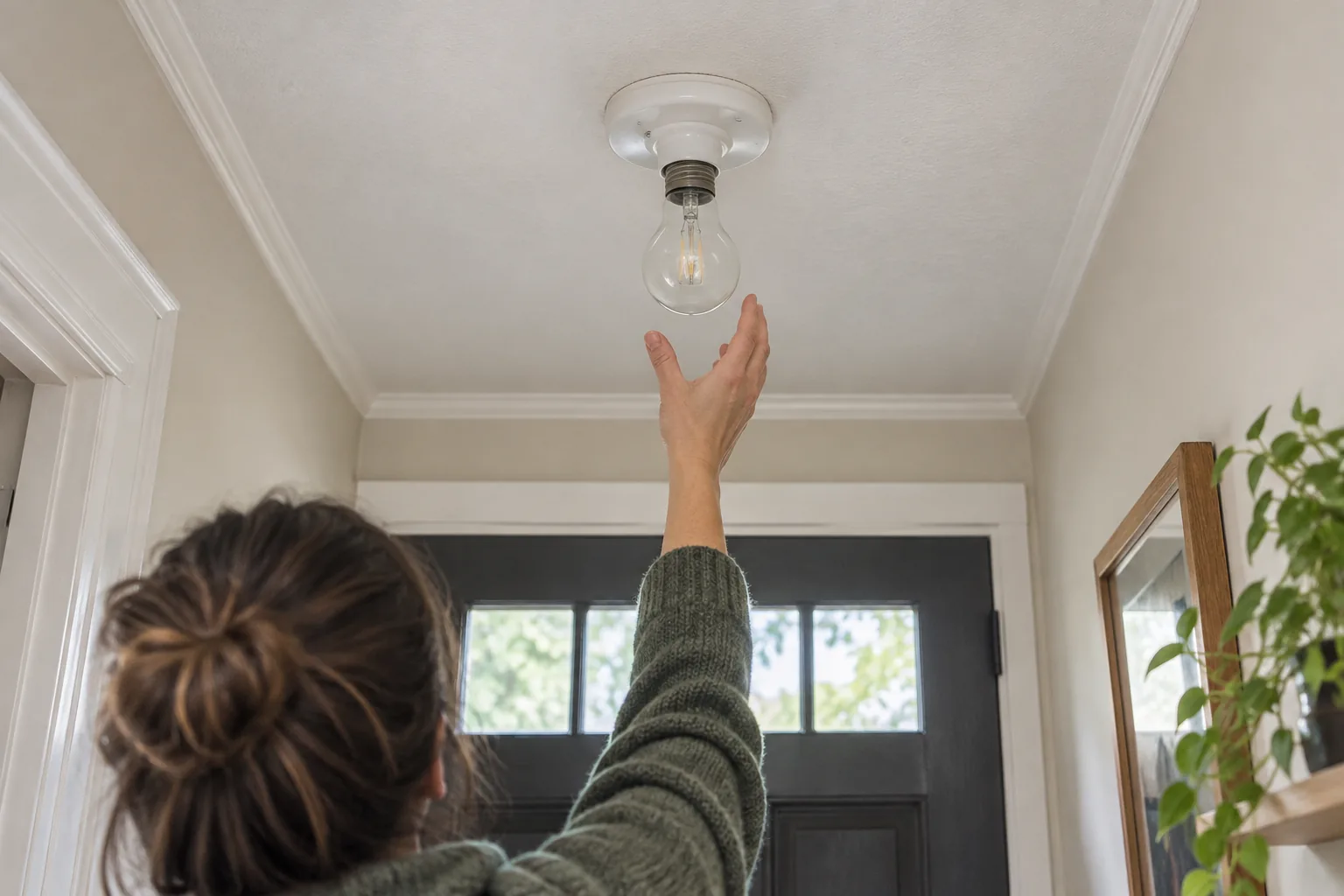
The base is the metal screw part of the bulb. The product has to match the socket, so read the base code on your current bulb or in the fixture manual. A bulb with an E27 base screws into a socket of that type, and you can confirm the match against the product page before ordering.
Look at bayonet and other fittings
Some fixtures use a push-and-twist bayonet fitting instead of a screw base. A screw-in camera does not fit those directly. Check the product page for adapter information, or choose a model made for your fitting.
Check the shade and the switch
Enclosed globes and narrow shades can block the lens or leave little room around the bulb. Look at the fixture with the old bulb out and see whether the camera body would clear the shade. Turn off the switch and let the old bulb cool before you unscrew it, and follow the fixture manual. If the fixture is hard to reach or the wiring looks damaged, ask an electrician.
A screw-in camera draws on the fixture it sits in, so a wall switch left off can interrupt the feed. Check the manual for how the product handles this.
Check Wi-Fi range and storage
Wi-Fi at the fixture
A bulb camera needs a network connection to send alerts and video to your phone. The signal that counts is the one at the socket, not the one in the living room. Stand under the fixture with your phone and open a page to see whether the connection holds.
Two bands matter. The 2.4GHz band tends to reach farther through walls, while 5GHz carries data at higher speeds over a shorter distance. Check the product page for the bands a bulb supports, and if your router combines both under one name, the manual explains how to split them for setup.
If the signal is weak at the socket, move the router, add a mesh node or extender, or pick another fixture. Do this before you buy, not after the box is open.
Where footage is kept
Bulb cameras can keep clips in a few ways: a memory card inside the unit, cloud storage, or a mix. Not every model offers every option, and some cloud features may carry an ongoing fee. The product page and the app description list what a given model offers.
Decide first what you need: live viewing only, alerts with short clips, or a record you can review later. That choice sets the storage you need. For storage options and setup choices on another camera type, see Doorbell Camera No Subscription: Storage Options and Setup.
Check night vision and fixture angle
Night vision
Some cameras show night footage in plain black and white, which can make a scene hard to read. Others use color night vision, which keeps the colors of clothing, vehicles and rooms in the view after dark. The product page says which kind a model uses.
The bulb itself is a light source. Check whether the camera works while the light is on, off or dimmed, and read the manual for the settings that control this.
Fixture angle and placement
The view depends on where the bulb points. A ceiling socket aims the lens downward, a table lamp points it upward or sideways, and a wall sconce gives a side view. The lens sees only what the fixture allows.
- Hallway or entryway ceiling: wide view of the floor area and doorway.
- Table or floor lamp: view at room height, but the lamp can be moved or switched off by anyone.
- Porch or garage fixture: wide view of the approach, if the fixture is covered and the product page lists outdoor use.
- Closet or basement socket: view of a small, dim space.
A camera that can pan, tilt and zoom suits a fixed mount, because you adjust the view from the app instead of climbing a ladder. Place cameras only where the law and household norms allow. Tell guests and household members that cameras are in use, and do not point a lens at areas where people expect privacy.
How GlowWatch matches the checklist
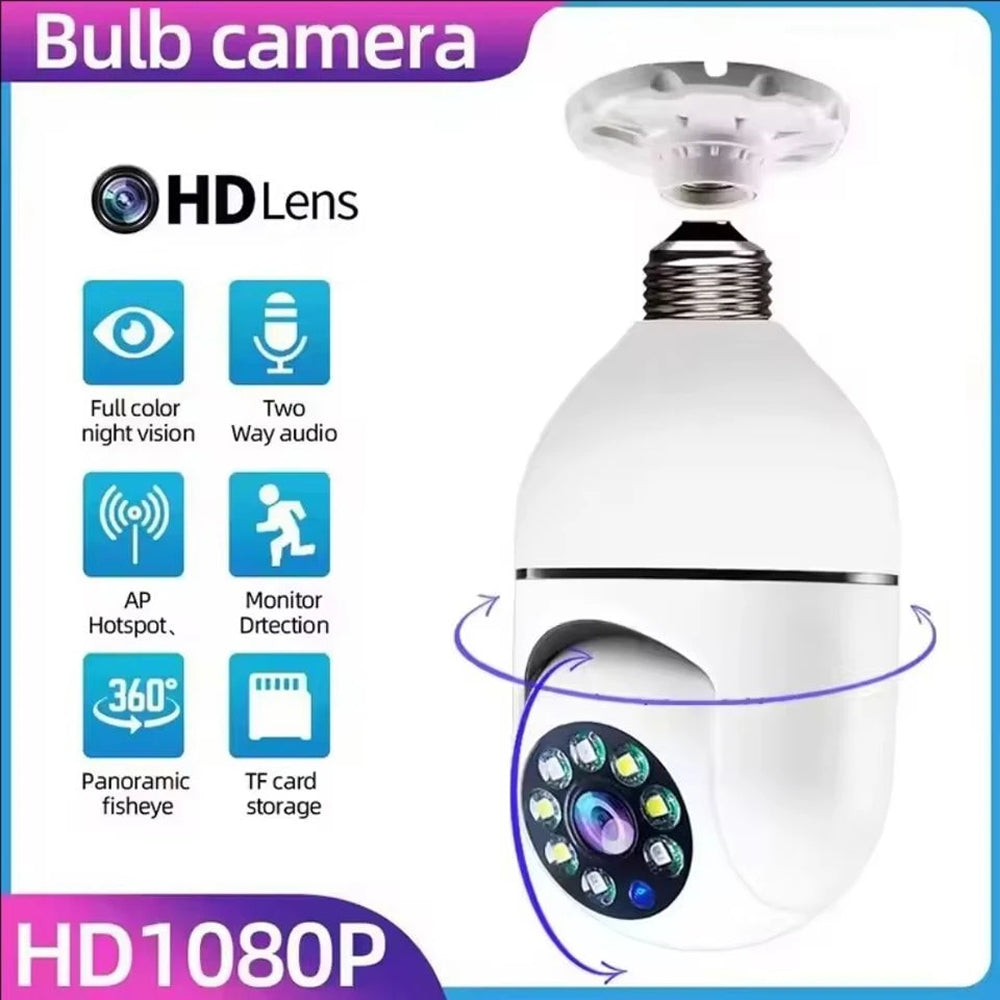
GlowWatch is a smart light bulb camera with an E27 base. It screws into a socket where a regular bulb sits, so no new wiring is run, and setup needs no tools and leaves no holes in the wall.
You view live video, motion alerts and two-way audio through the companion app. Color night vision shows the scene in color after dark, and you can swipe to pan, tilt and zoom from your phone. For storage options, network bands and indoor or outdoor use, check the product page before ordering, since those details are not covered here.
 In this guideGlowWatch$39.99View
Where a bulb camera fits and where a standard camera fits
A bulb camera suits spots that already have a socket and where drilling or cable runs are not an option, such as rental homes. A standard camera suits places without a fixture or where you want a fixed mount aimed at a specific spot.
| Situation | Bulb camera | Standard camera |
|---|---|---|
| Rental with no drilling allowed | Screws into an existing socket | Needs a mount, adhesive or a stand |
| Area with no light fixture | No socket to use | Mounts on a wall, eave or shelf |
| Discreet look in a room | Looks like a bulb in a lamp or ceiling light | Looks like a camera |
| Exact aim at a door or window | Depends on the fixture direction, plus app pan and tilt if offered | Mount position sets the aim |
| Light source also needed | Bulb provides light where it sits | Separate light needed, or a model with its own |
For a combined plan with cameras, doorbells and lights, read DIY Home Security Systems: Cameras, Doorbells and Lights to Combine. You can also browse the Security Cameras & Doorbells collection for other formats.
Set up a bulb camera and avoid common mistakes
- Switch off the fixture and let the old bulb cool, then unscrew it.
- Screw in the camera bulb until it is snug, then switch the fixture on.
- Download the companion app and sync the device by following the Quick Start Guide.
- Open live video, set the motion alerts and try two-way audio.
- Adjust the view with pan, tilt and zoom, and check the picture after dark.
Common mistakes are buying without checking the base type, installing in a socket with weak Wi-Fi, leaving a shade in front of the lens, and forgetting that a wall switch controls the power to the bulb.
Outdoor use and motion lighting
Porch and garage fixtures are attractive spots, but weather exposure changes what a bulb needs. Check the product page for indoor or outdoor use, keep the bulb in a covered fixture if the page allows it, and follow the manual. If you want a light that reacts to movement, read Motion Sensor Light Outdoor: Choosing Power, Range and Settings.
For light bulbs with security cameras, the checklist stays the same indoors or out. Match the base, confirm the signal, decide how footage is kept, check night vision and look at the fixture angle.
Field note
Before you order, take a photo of the old bulb's base and the fixture with the shade on. Compare both against the product page.